{ "@context": "https://schema.org", "@graph": [ { "@type": "WebPage", "@id": "https://www.floik.com/features/trim-video-for-windows#webpage", "url": "https://www.floik.com/features/trim-video-for-windows", "name": "Trim video for Windows", "description": "Trim introductions, endings, and mistakes from videos on Windows. Use sliders or exact timestamps to select sections.", "inLanguage": "en", "isPartOf": { "@id": "https://www.floik.com/#website" }, "about": { "@id": "https://www.floik.com/#software" }, "primaryImageOfPage": { "@id": "https://www.floik.com/features/trim-video-for-windows#primaryimage" } }, { "@type": "ImageObject", "@id": "https://www.floik.com/features/trim-video-for-windows#primaryimage", "contentUrl": "https://cdn.prod.website-files.com/646decbb1ee966061c86eaf1/6ae2c9d87058b8d5a2bc13d8_6ae2c949712e255b4b90fbd4_floik-feature-trim-video-for-windows-hero.avif" } ] }
Edit

Trim video for Windows

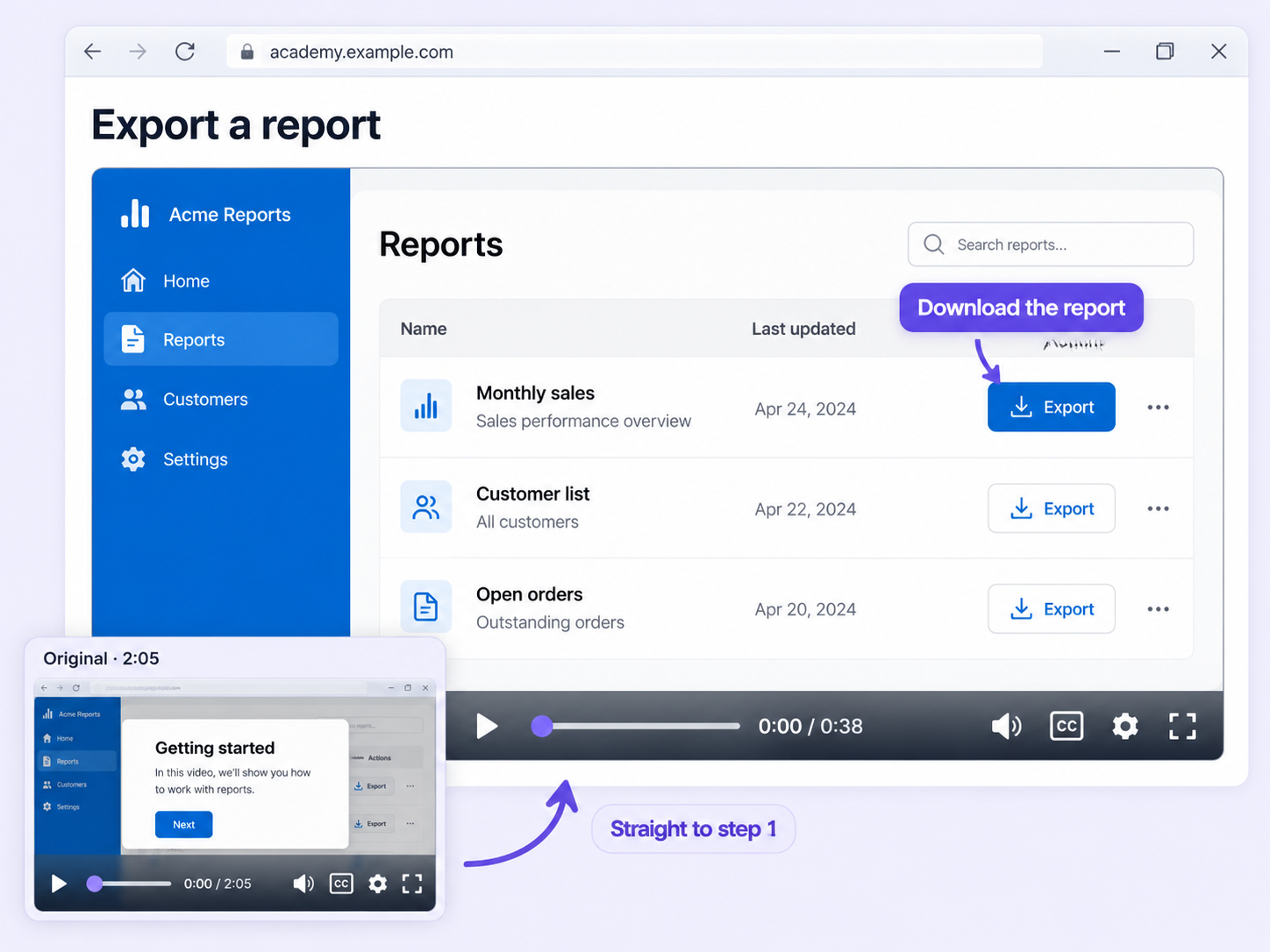
Trim long introductions, unnecessary endings, and bloopers out of your videos on Windows, with sliders or exact timestamps.
Trim video for Windows
Edit

Make it concise

Viewers stop watching when a video takes too long to get going. Trim video for Windows cuts straight to the useful part.

Cut the extras

Remove lengthy introductions and unnecessary endings so your videos are concise and to the point.

Sliders or timestamps

Adjust the sliders, or specify timestamps, to make sure you capture the right moments.

Adjust clip length

Change the length of your clips to highlight key points, and tailor them to the platform you're posting on.

How can you do this in Floik

Quick looks of how to do this in Floik app

When teams use this

A few situations where this feature saves the most time.

Training & Onboarding

Trim the lengthy intro from a Windows software tutorial so new hires reach the first step quickly.

Recording directly from production

Cut bloopers and dead air from a recorded presentation before you add it to your academy.

FAQ Unpacked

Frequently asked questions

Can I customize the guides before downloading them?

Can I use the same Flo in more than one language?

Is there a size limit for uploaded images?

Capture your workflow once.

AI does the heavy lifting. You stay in control.

Capture workflows from your browser or desktop applications with the Floik Chrome extension, or simply upload an MP4. Floik AI does the heavy lifting, taking you all the way to polished interactive guides, SOPs, feature walkthroughs, and professionally narrated videos.

You review. You validate. You refine. You stay in control.

Free plan available · No credit card required


