{ "@context": "https://schema.org", "@graph": [ { "@type": "WebPage", "@id": "https://www.floik.com/features/music-element#webpage", "url": "https://www.floik.com/features/music-element", "name": "Music element", "description": "Add background music to Step-by-Step Guides, Interactive Demos, and Explainer Videos. Set its volume and playback behavior alongside your voiceover.", "inLanguage": "en", "isPartOf": { "@id": "https://www.floik.com/#website" }, "about": { "@id": "https://www.floik.com/#software" }, "primaryImageOfPage": { "@id": "https://www.floik.com/features/music-element#primaryimage" } }, { "@type": "ImageObject", "@id": "https://www.floik.com/features/music-element#primaryimage", "contentUrl": "https://cdn.prod.website-files.com/646decbb1ee966061c86eaf1/6ae2c9ef6ff9f956ed1cd7fd_6ae2c9766c75749955658aa5_floik-feature-music-element-hero.avif" } ] }
Edit

Music element

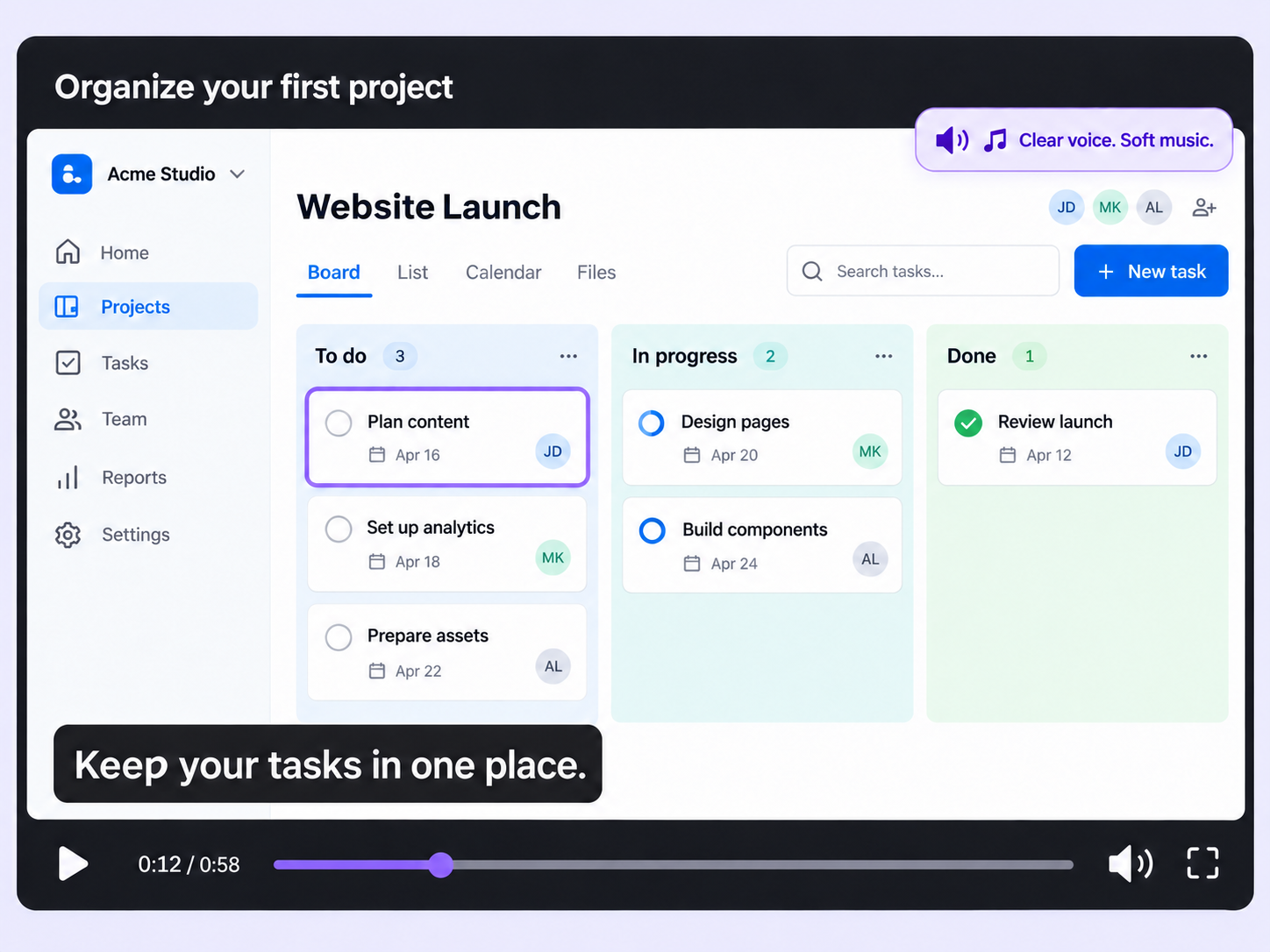
Set the tone of your Step-by-Step Guides, Interactive Demos, and Explainer Videos with background music that stays clear of your narration.
Music element
Edit

Give your Flo a soundtrack

Silent walkthroughs can feel flat, and mixing audio in a separate editor adds another step. Music element adds the track inside Floik.

Presets or your own track

Choose from the built-in preset tracks, or upload your own MP3 or AAC file to match your brand.

Balanced with your voiceover

Set the volume so music sits under your voiceover, and use Fade In and Fade Out to soften it whenever an element pauses playback.

Pause when viewers interact

Music pauses automatically when a viewer interacts with the Flo, or plays on a continuous loop if you'd rather keep it running.

How can you do this in Floik

Quick looks of how to do this in Floik app

When teams use this

A few situations where this feature saves the most time.

Product Adoption & Feature Demos

Put an upbeat track under the demo that introduces your latest release, and let it pause when customers click in to explore.

Recording directly from production

Add a calm track to your onboarding walk-through, with the volume set low enough that your voiceover stays clear.

FAQ Unpacked

Frequently asked questions

Where do I paste the script code?

Will the download keep the interactive parts of a demo?

Are insights tracked for guides and videos too?

Capture your workflow once.

AI does the heavy lifting. You stay in control.

Capture workflows from your browser or desktop applications with the Floik Chrome extension, or simply upload an MP4. Floik AI does the heavy lifting, taking you all the way to polished interactive guides, SOPs, feature walkthroughs, and professionally narrated videos.

You review. You validate. You refine. You stay in control.

Free plan available · No credit card required


