{ "@context": "https://schema.org", "@graph": [ { "@type": "WebPage", "@id": "https://www.floik.com/features/trim-video-for-mac#webpage", "url": "https://www.floik.com/features/trim-video-for-mac", "name": "Trim video for Mac", "description": "Trim videos in the Floik editor in your Mac browser. Preview the cuts, then share or download the result.", "inLanguage": "en", "isPartOf": { "@id": "https://www.floik.com/#website" }, "about": { "@id": "https://www.floik.com/#software" }, "primaryImageOfPage": { "@id": "https://www.floik.com/features/trim-video-for-mac#primaryimage" } }, { "@type": "ImageObject", "@id": "https://www.floik.com/features/trim-video-for-mac#primaryimage", "contentUrl": "https://cdn.prod.website-files.com/646decbb1ee966061c86eaf1/6ae2c9d87058b8d5a2bc13e2_6ae2c9491450fcfefd63c58c_floik-feature-trim-video-for-mac-hero.avif" } ] }
Edit

Trim video for Mac

Trim your videos in the Floik editor in your Mac browser, then preview the result to make sure every cut is exact.
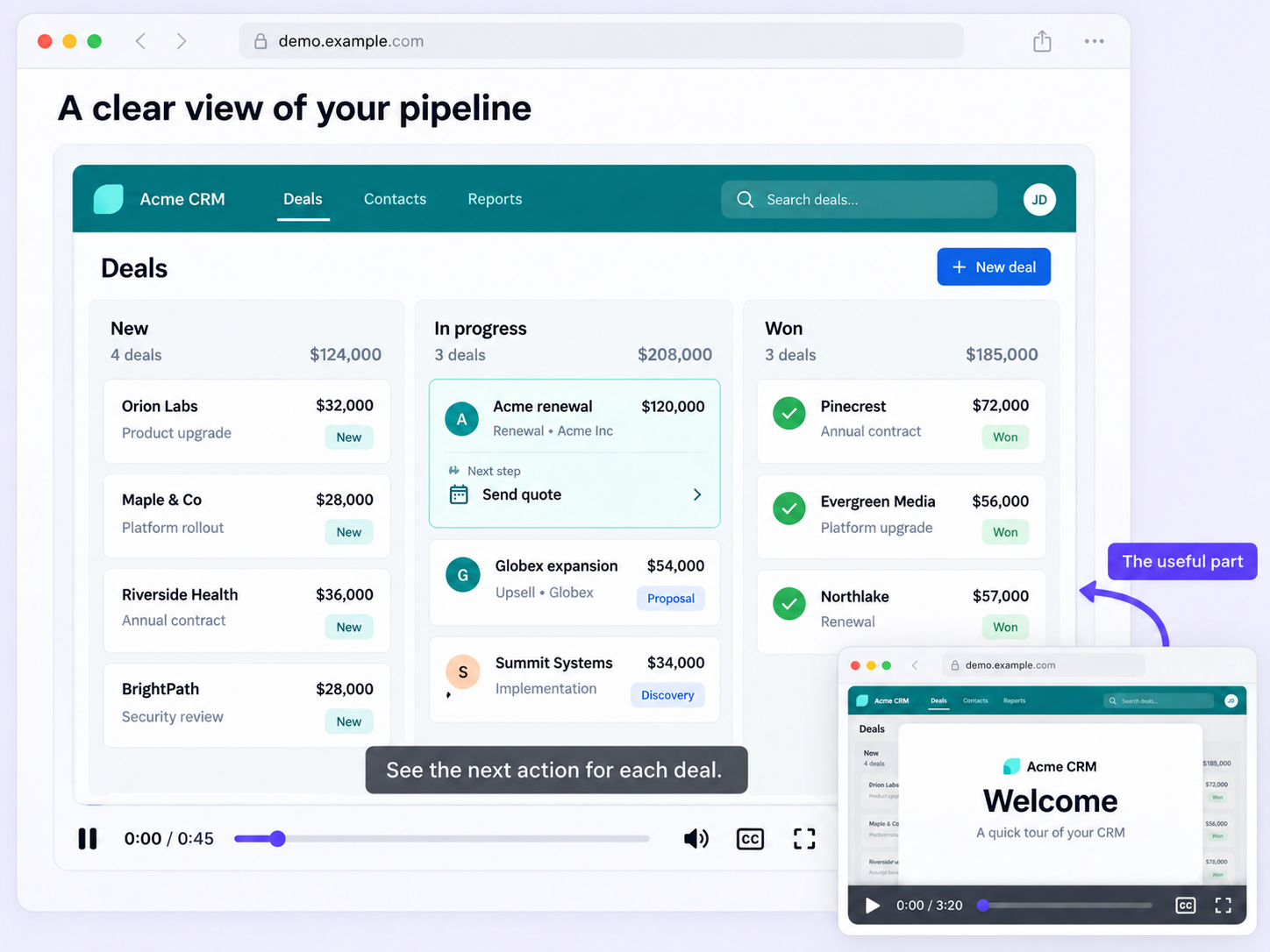
Trim video for Mac
Edit

Trim on your Mac, in the browser

Opening a desktop editor just to remove ten seconds is a slow detour. Trim video for Mac does it in the browser.

Drag, preview, confirm

Drag the sliders to mark the start and end of the segments you want to remove, and preview to check accuracy.

Several clips at once

Split your video into several clips in one go, then download the results as GIFs.

Share or download

Publish and share the video with a URL or embed code, or download it as a GIF or MP4.

How can you do this in Floik

Quick looks of how to do this in Floik app

When teams use this

A few situations where this feature saves the most time.

Sales Enablement

Remove the slow start from a recorded sales pitch on your Mac before it goes to a prospect.

Recording directly from production

Trim a recorded product education video down to the sections customers need, directly in your browser.

FAQ Unpacked

Frequently asked questions

How do I save my trims?

Does Floik capture clicks in other Mac apps?

Can I write my own French script?

Capture your workflow once.

AI does the heavy lifting. You stay in control.

Capture workflows from your browser or desktop applications with the Floik Chrome extension, or simply upload an MP4. Floik AI does the heavy lifting, taking you all the way to polished interactive guides, SOPs, feature walkthroughs, and professionally narrated videos.

You review. You validate. You refine. You stay in control.

Free plan available · No credit card required


