Celebrate July 4th with a 10% Independence Day discount! Use coupon code — JULY4QC2024! 🤩
-p-130x130q80.avif)
.avif)


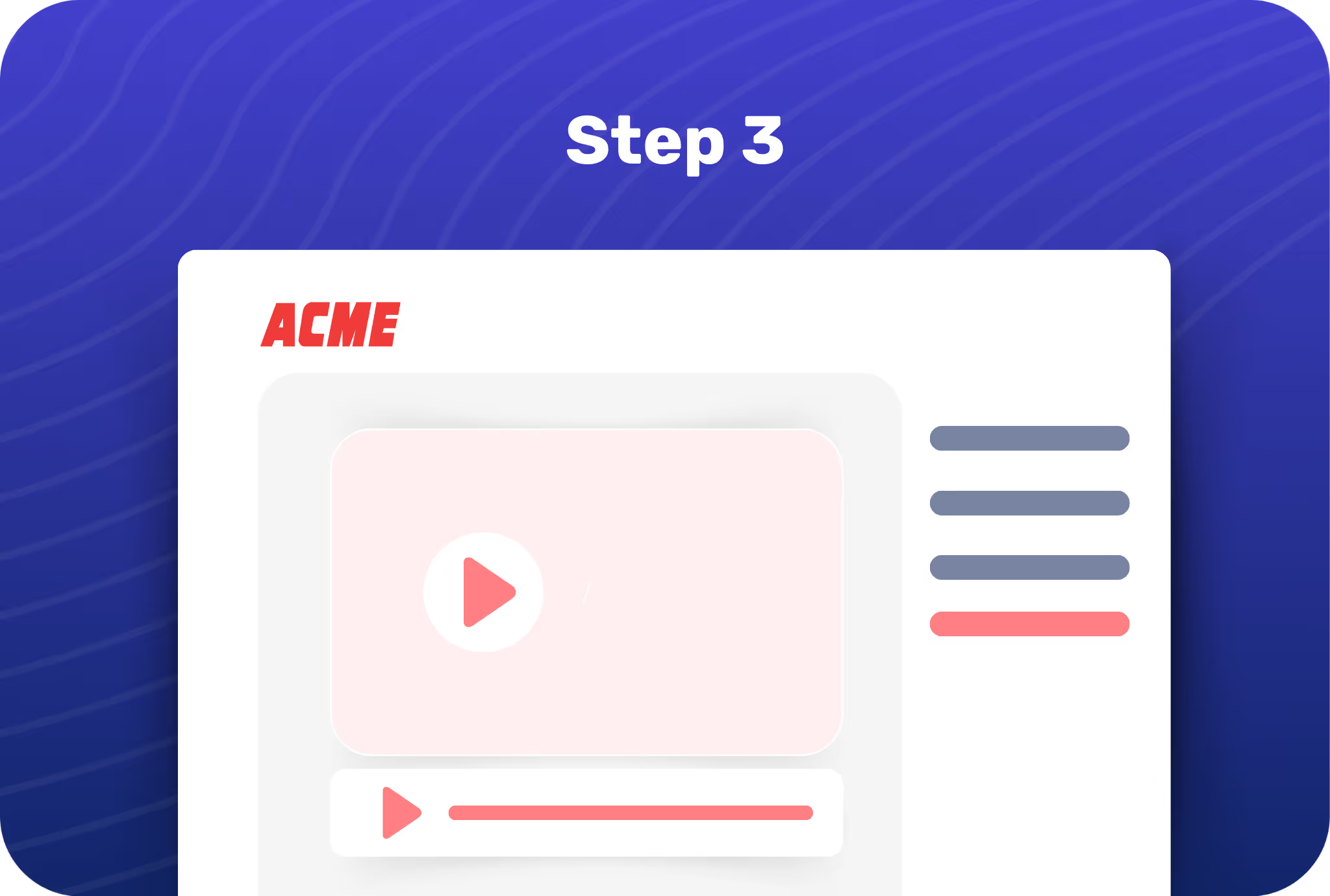
Click on your profile icon and open Account Settings, then navigate to the Branding section.
Upload your logo and decide its placement, then choose your primary brand color.
When you hit publish, all your Flos will reflect your logo and color to create a branded showcase.
.avif)
Make both your product and its showcases easily recognizable and help prospects remember your brand better.
.avif)
Effortlessly create a consistent brand experience for your audience, whether they’re on your website or reading an email.

Customize the branding for your showcases for different campaigns in just a few clicks.

Give prospects and customers a consistent brand experience with your logo and theme colors.
.avif)
.avif)
.avif)
.svg)


