Share your Flos from your own domain, so every public link carries your brand instead of Floik's.
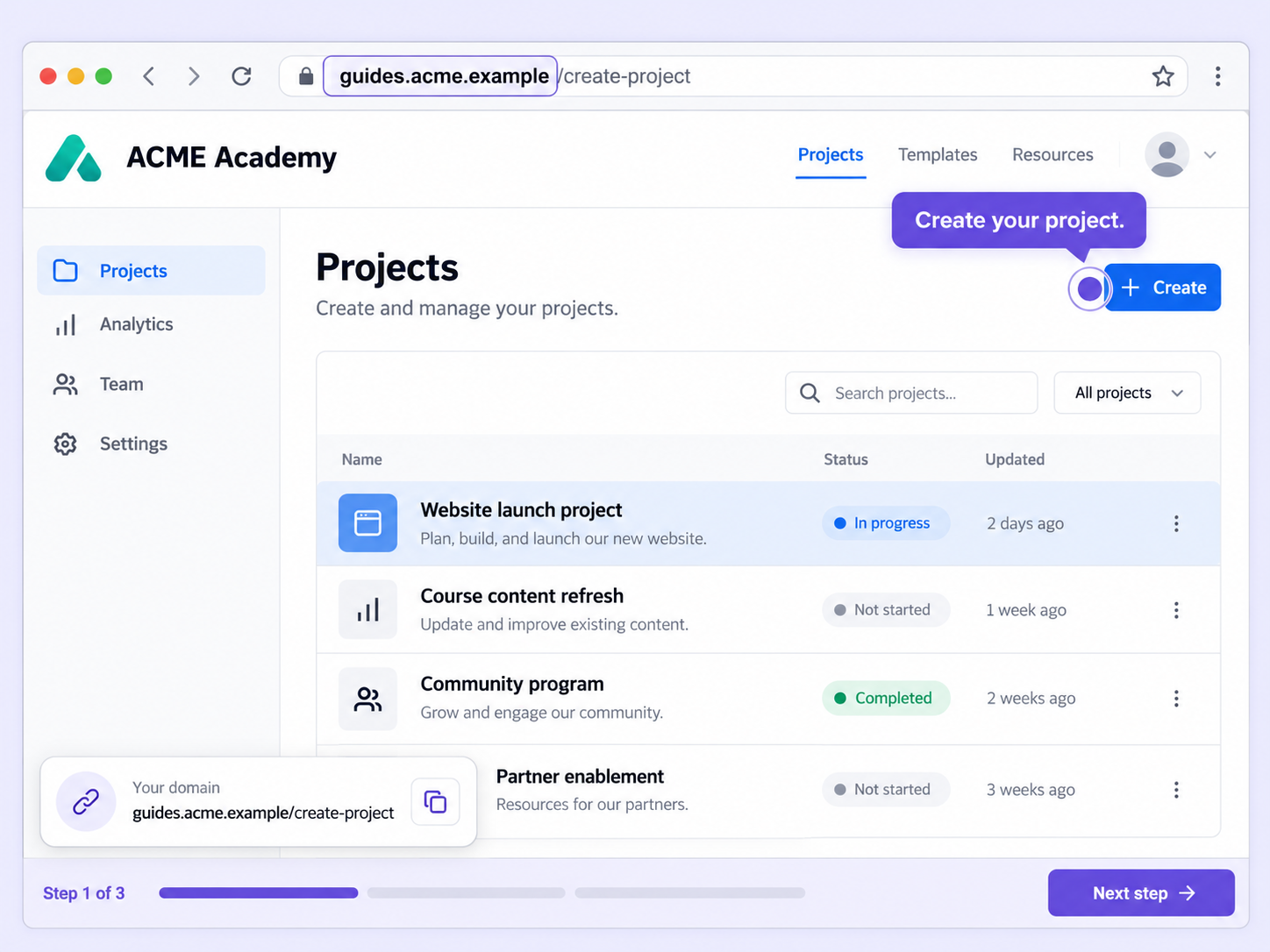
A link on someone else's domain reminds viewers who made it. Custom domain puts your brand in the public URL of every Flo.
The public link to your Flos shows your own domain, so what viewers see matches the brand they already know.
The support team shares the DNS configuration details, and you add the records in your domain settings.
Once you've added the records, the team checks the configuration and activates the domain for your account.
Quick looks of how to do this in Floik app
A few situations where this feature saves the most time.
Send prospects demo links from your own domain, so the first thing they see is your brand rather than a third-party URL.
Share your academy's guides and videos from your own domain, so learners see your brand in every link.
Capture workflows from your browser or desktop applications with the Floik Chrome extension, or simply upload an MP4. Floik AI does the heavy lifting, taking you all the way to polished interactive guides, SOPs, feature walkthroughs, and professionally narrated videos.
You review. You validate. You refine. You stay in control.
Free plan available · No credit card required