Celebrate July 4th with a 10% Independence Day discount! Use coupon code — JULY4QC2024! 🤩
-p-130x130q80.avif)
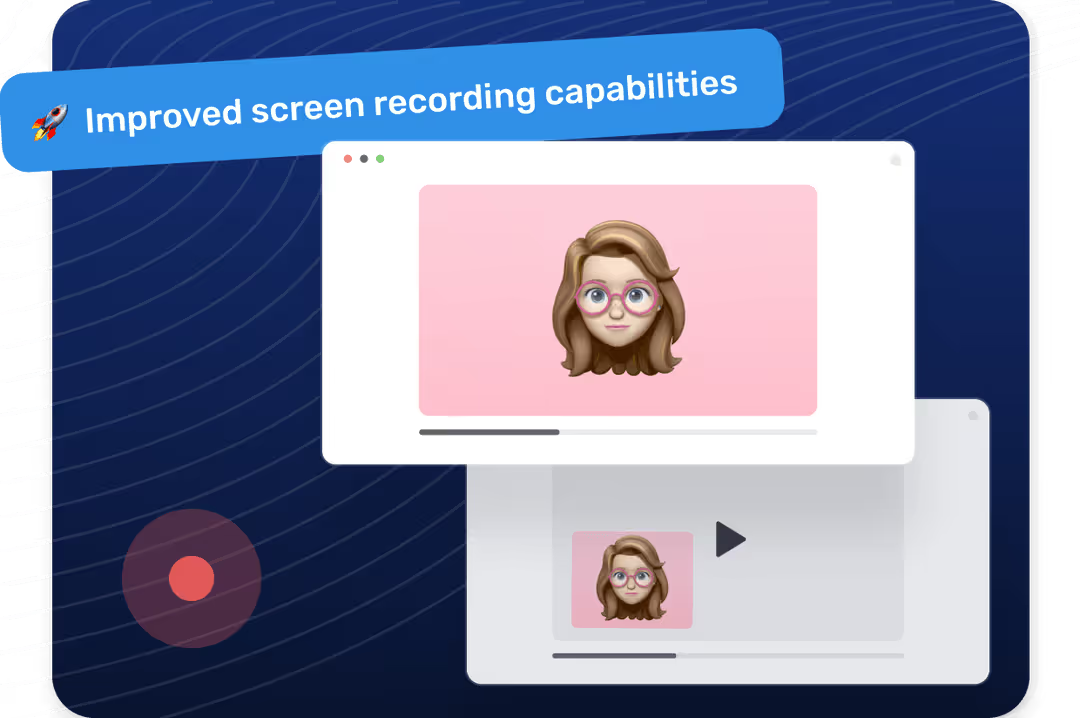
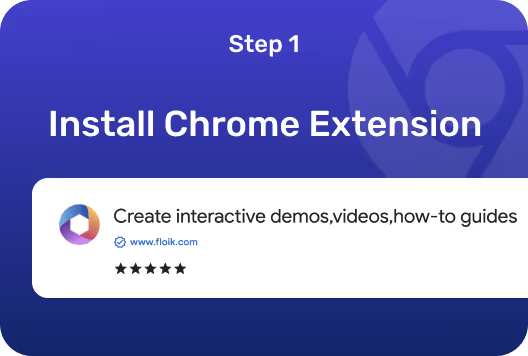

Open the Chrome browser and log into your Floik account. It’s free and gives you the power to record anything on your desktop.
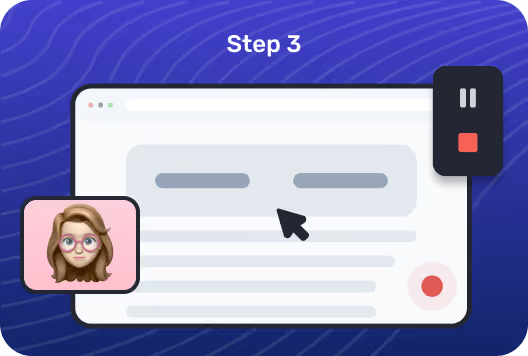
Select your recording area, adjust resolution, and set other preferences with just a few clicks. Press “Start Capture” to record your screen flexibly.
Create engaging tutorials or capture important meetings. Once you're done, use the editing tools to polish your video or share it across platforms effortlessly.

Whether you're producing a software tutorial or documenting a process, Floik allows you to create different types of screen recording videos.
Tailor every aspect of your screen recording setup within Floik to match your specific needs—choose from various resolutions, apply blur, and more.
Enhance your videos with advanced editing tools that allow for detailed adjustments and effects, ensuring your screen recording videos look professional.
Make changes to your screen recording videos and automatically update these videos wherever they’re shared or embedded.
.avif)
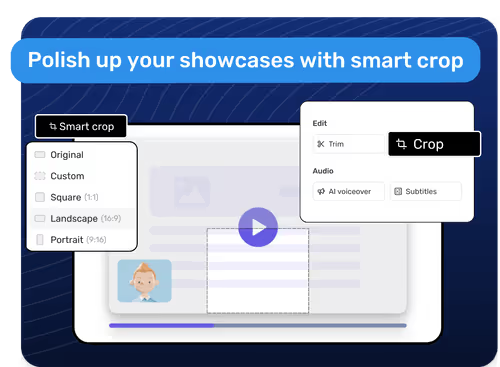
%20(1).avif)
.avif)
.svg)


