-p-130x130q80.avif)
Blur the elements before recording, so emails, usernames, and other sensitive details never appear in your Flo.
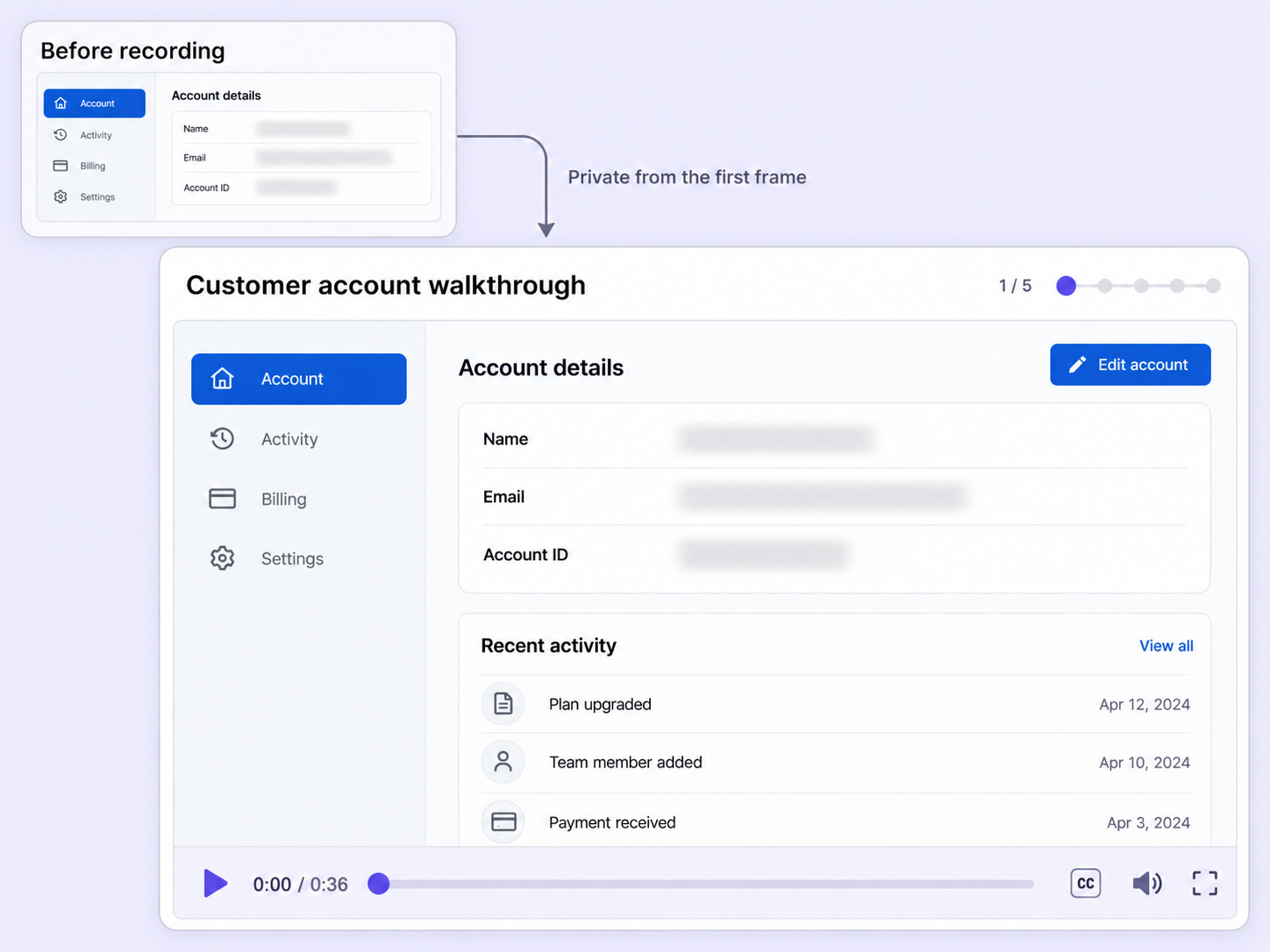
Fixing a visible email after the take means recording again. Pre-recording blur controls hides it before the first frame is captured.
Click any part of the page to apply or remove a blur, then click Done to continue to your recording.
Your selected blur areas stay in place when you move between pages during the recording, so the page stays clean throughout.
Remove visual clutter as well as private data, so viewers focus only on what matters in your demo.
Quick looks of how to do this in Floik app
A few situations where this feature saves the most time.
Record a prospect demo from your live account with other customers' names already blurred, so nothing sensitive reaches the Flo.
Record help-center walkthroughs from a real account with emails and usernames hidden from the first frame.
Capture workflows from your browser or desktop applications with the Floik Chrome extension, or simply upload an MP4. Floik AI does the heavy lifting, taking you all the way to polished interactive guides, SOPs, feature walkthroughs, and professionally narrated videos.
You review. You validate. You refine. You stay in control.
Free plan available · No credit card required
.avif)
.svg)


