-p-130x130q80.avif)

.avif)
.avif)
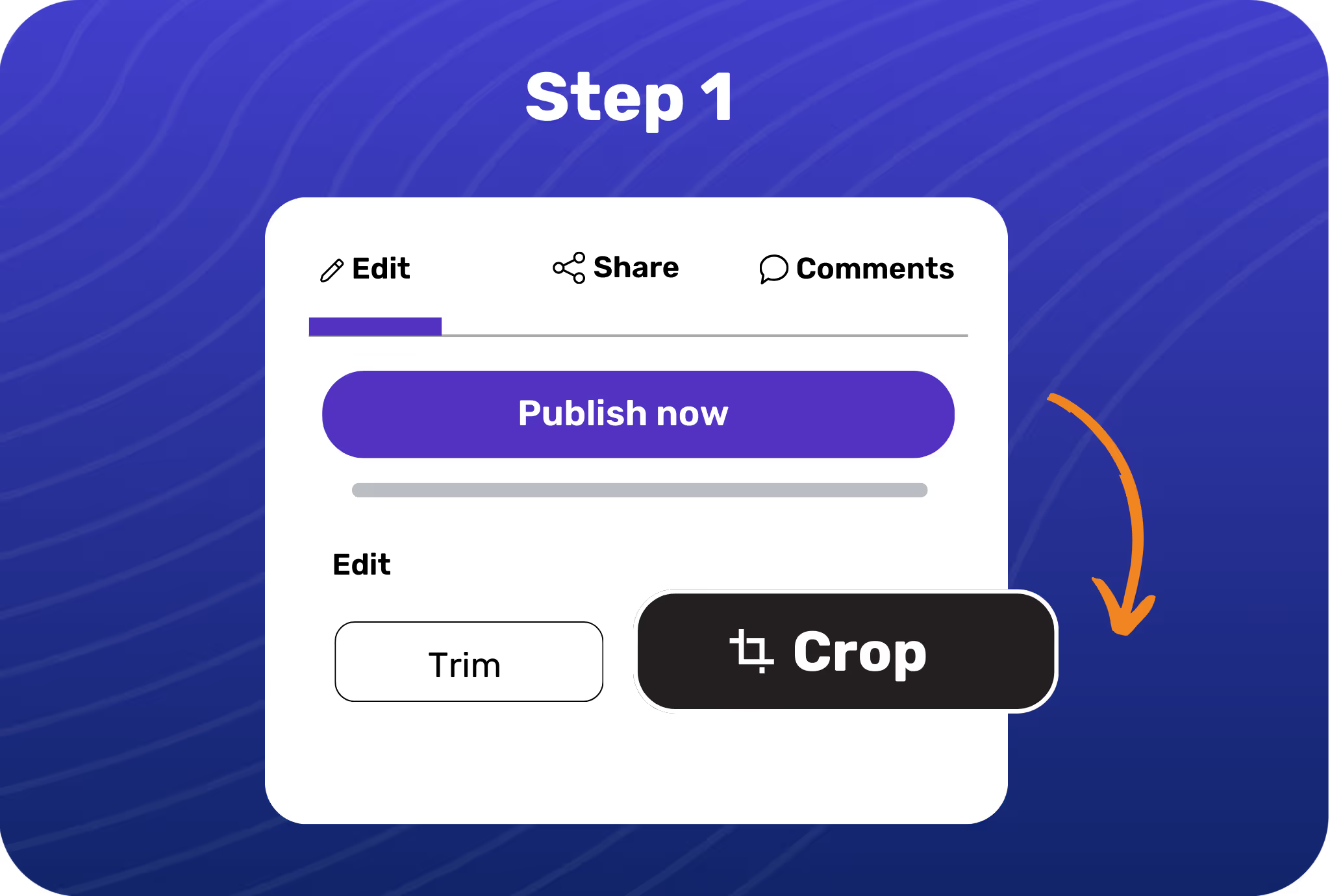
Open the showcase you want to crop and hit the Crop icon on the editing panel.
Pick from available crop presets like square, portrait, mobile, or set your custom dimensions.
Place your crop selection anywhere in the frame and hit apply when you’re happy with the result.
.avif)
Remove distractions from your showcases and focus on the crucial details.

Convert one showcase into specific aspect ratios ideal for different channels, like LinkedIn, YouTube, and more.

Create showcases for different screen sizes and optimize them for multiple channels.

Adjust the frame’s aspect ratio depending on where you want to embed or upload your showcases.
.avif)
.avif)
.avif)
.avif)
.svg)


