-p-130x130q80.avif)
.avif)
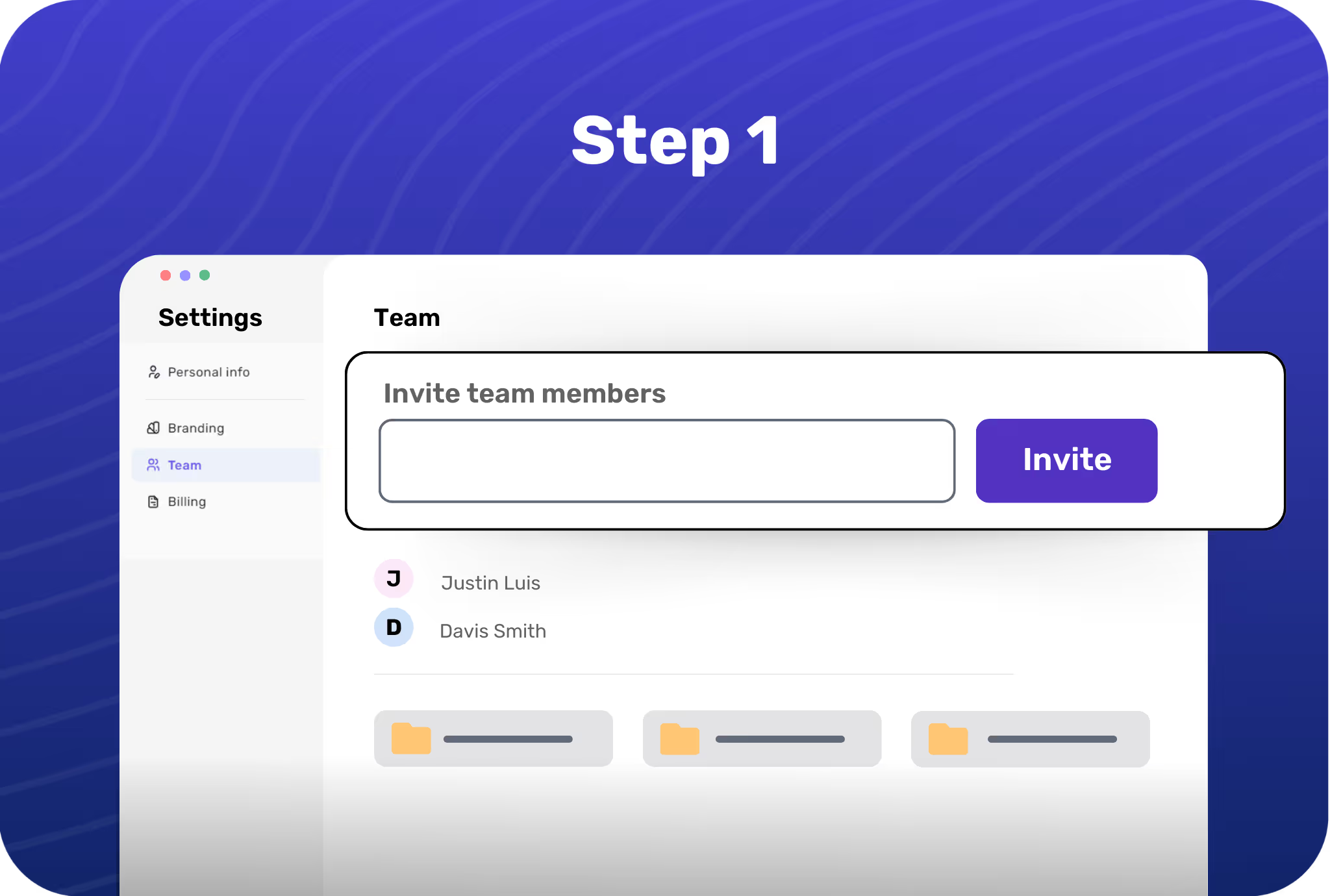
Invite your team members
Add people to your shared workspace with a simple invite and get cooking!
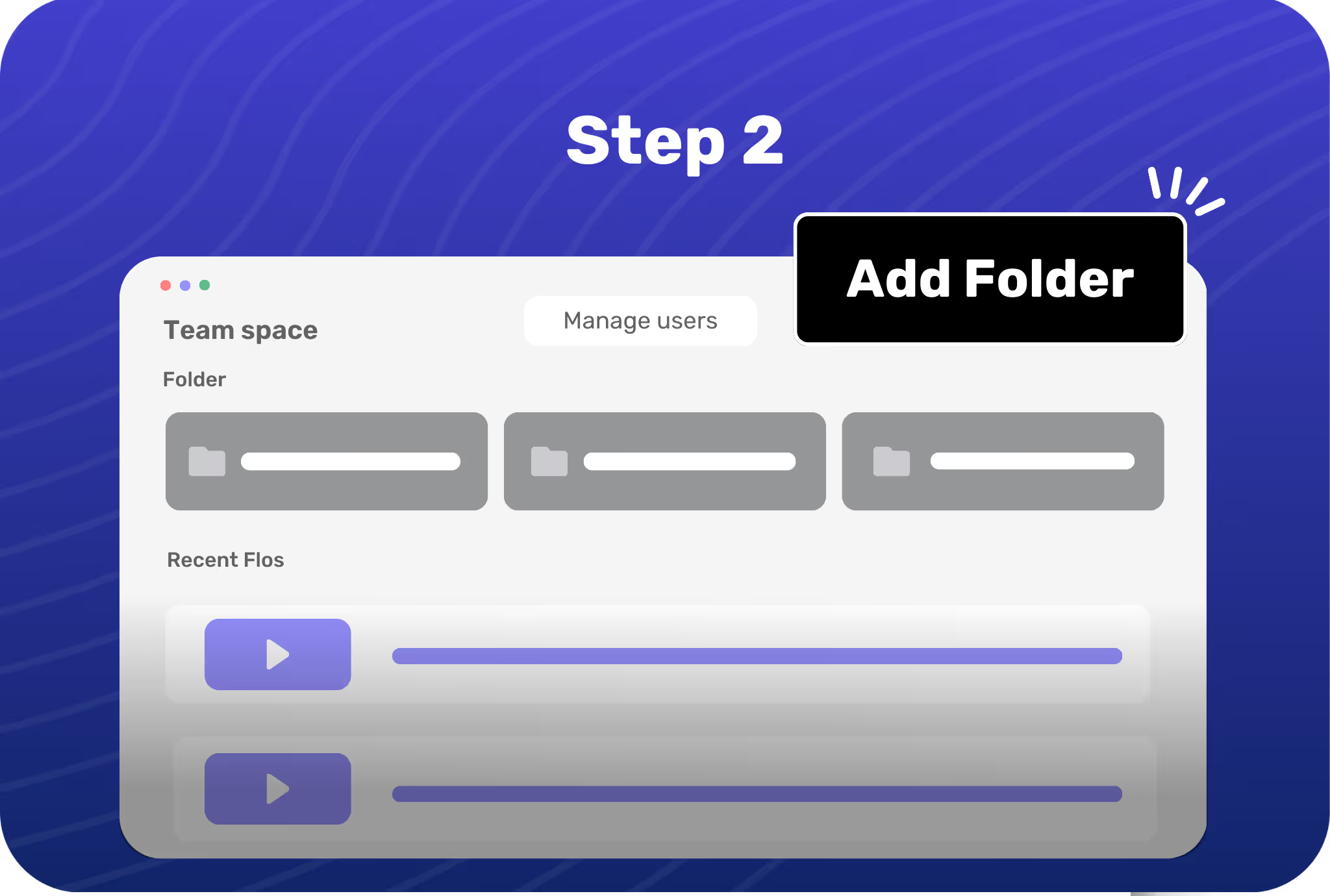
Create new folders
Make folders for relevant teams or topics and create guidelines to use these folders.
Coordinate effortlessly
View every team member’s Flos to keep everyone on the same page and work together.

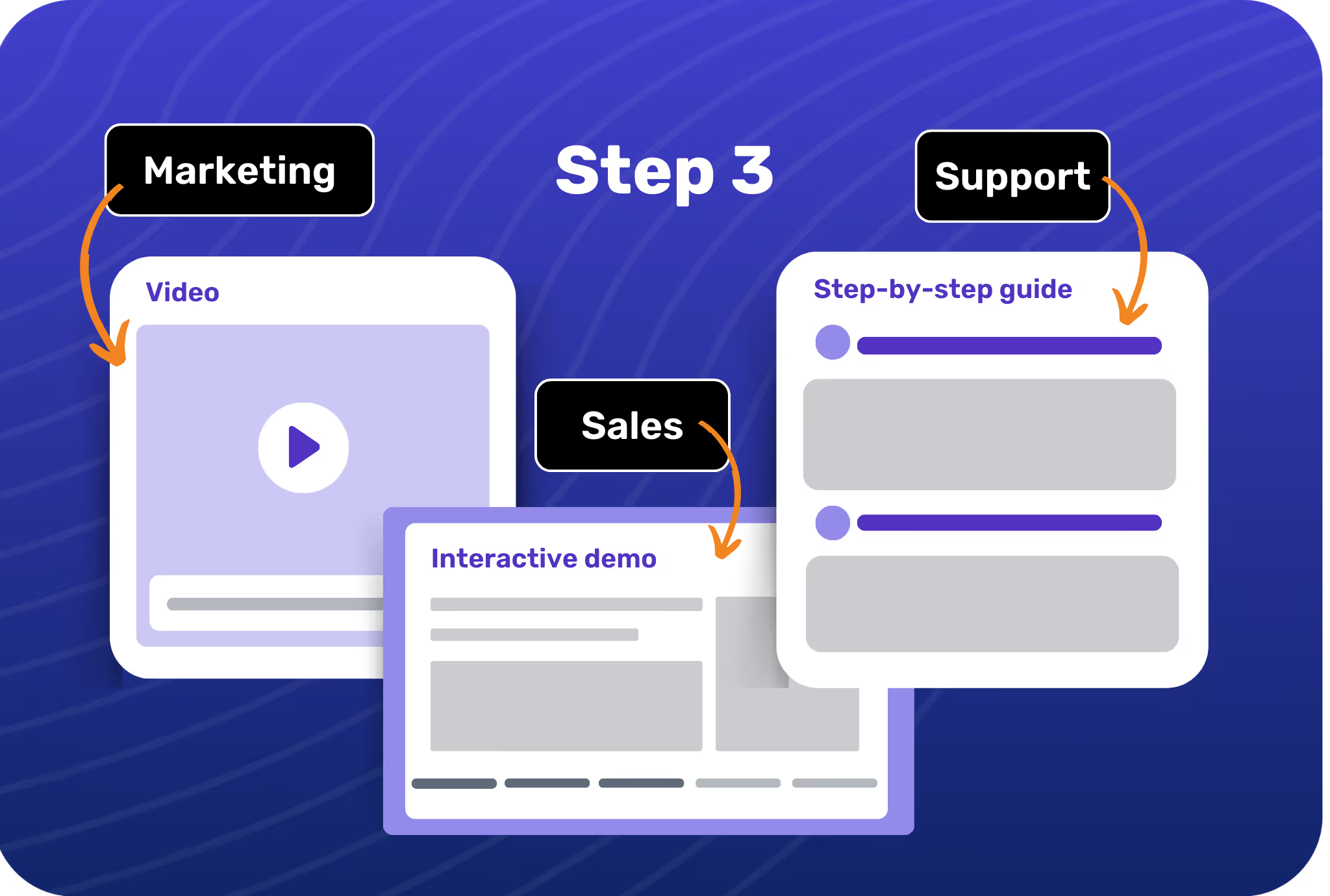
Maximize collaboration
Bring sales, marketing, product, and customer success teams together for less confusion, more collaboration.

Cross-functional workflows
Work on ongoing buyer education, customer support, and product marketing with easy workflows for cross-functional processes.

Complete visibility into tasks
Get a clear picture of who’s working on what with folders and status about different product showcases.

Conveniently track & manage
Stay on top of first created and last modified dates and check the owner for all Flos with just one click.
.avif)
-p-1080.avif)
.avif)
.svg)


