{ "@context": "https://schema.org", "@graph": [ { "@type": "WebPage", "@id": "https://www.floik.com/features/customise-your-flo#webpage", "url": "https://www.floik.com/features/customise-your-flo", "name": "Customise your Flo", "description": "Set themes, wrappers, author details, and playback options for your Flo. Each share mode keeps its own settings.", "inLanguage": "en", "isPartOf": { "@id": "https://www.floik.com/#website" }, "about": { "@id": "https://www.floik.com/#software" }, "primaryImageOfPage": { "@id": "https://www.floik.com/features/customise-your-flo#primaryimage" } }, { "@type": "ImageObject", "@id": "https://www.floik.com/features/customise-your-flo#primaryimage", "contentUrl": "https://cdn.prod.website-files.com/646decbb1ee966061c86eaf1/6ae2c9ef6ff9f956ed1cd803_6ae2c9721ed3557855ebb642_floik-feature-customise-your-flo-hero.avif" } ] }
Engage

Customise your Flo

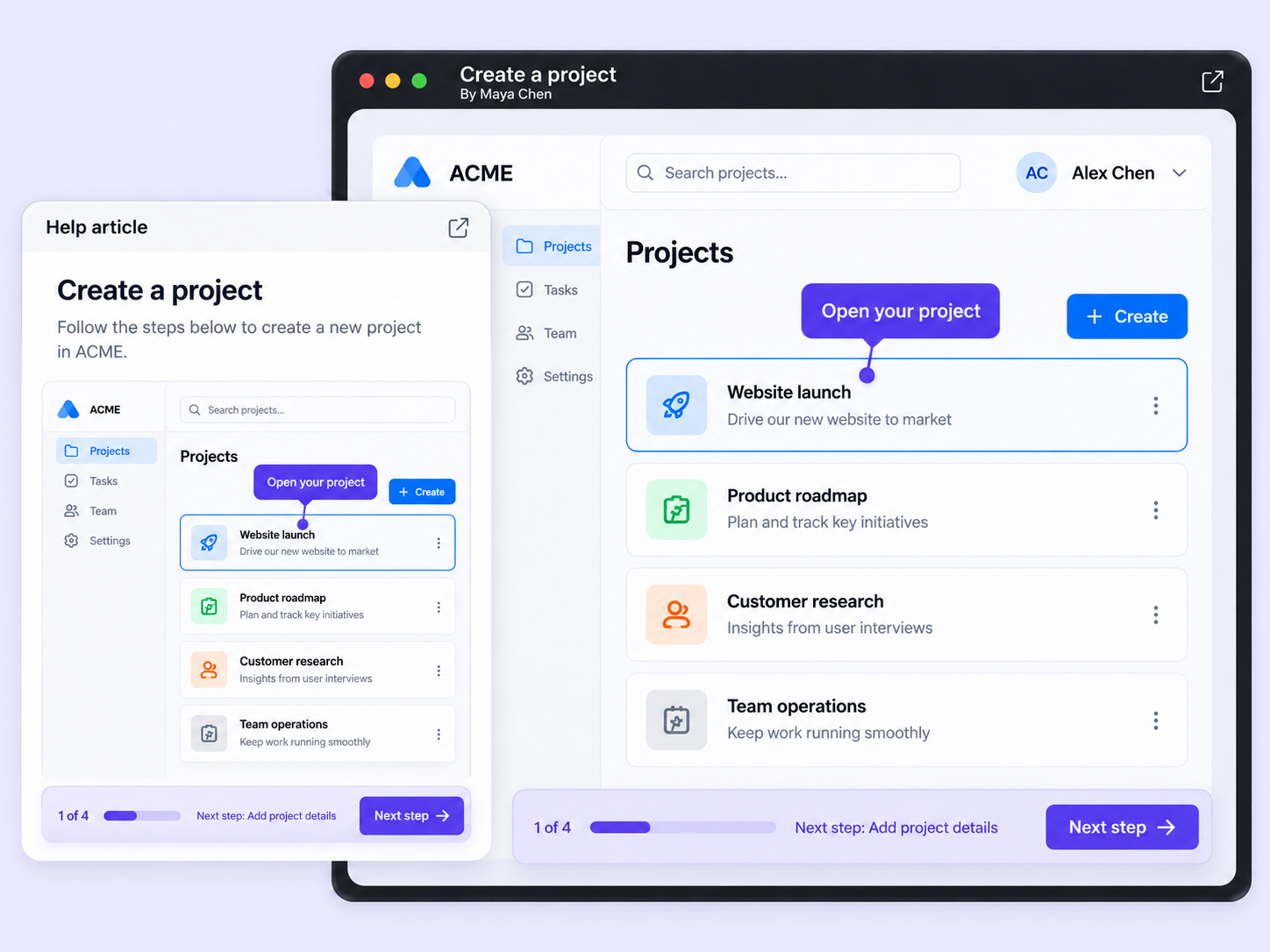
Style a Flo before you share it with themes, wrappers, author details, and autoplay or Swift Play settings.
Customise your Flo
Engage

Make every share look intentional

A raw share link looks the same for every audience. Customise your Flo lets you set the look and playback for each way you share.

Themes and wrappers

Pick a theme for a background color and add a rounded, light, or dark wrapper that makes your Flo look like a real window.

Author and playback

Show or hide the author's details, and choose whether your Flo autoplays or opens in Swift Play.

Settings for each share mode

Embeds, share links, and script shares each keep their own theme, wrapper, and playback, so one Flo can look different wherever it's shown.

How can you do this in Floik

Quick looks of how to do this in Floik app

When teams use this

A few situations where this feature saves the most time.

Sales Enablement

Give the demo you send prospects a theme and wrapper that match your brand, with your name shown as the author.

Recording directly from production

Style the guides in your academy with one theme and wrapper, and choose how each embed plays for learners.

FAQ Unpacked

Frequently asked questions

Can I turn the trimmed video into GIFs?

What can I blur using this feature?

How do I trim a video for Instagram Stories?

Capture your workflow once.

AI does the heavy lifting. You stay in control.

Capture workflows from your browser or desktop applications with the Floik Chrome extension, or simply upload an MP4. Floik AI does the heavy lifting, taking you all the way to polished interactive guides, SOPs, feature walkthroughs, and professionally narrated videos.

You review. You validate. You refine. You stay in control.

Free plan available · No credit card required


