Celebrate July 4th with a 10% Independence Day discount! Use coupon code — JULY4QC2024! 🤩
-p-130x130q80.avif)
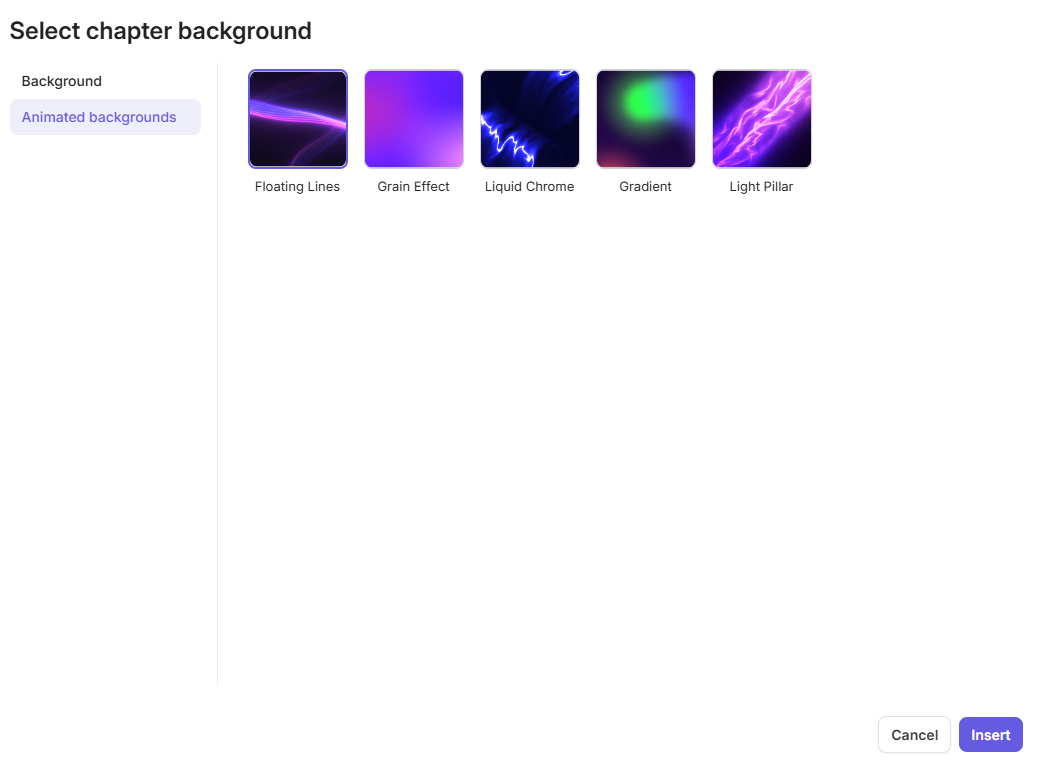
In step-by-step guides, you can now add an animated background to any chapter. In the chapter panel, click Replace image under Background to open the Select chapter background dialog, then pick an animated background and click Insert.
Five presets to choose from:
No more flat, static chapter screens.
When a Flo has both a voiceover and interactive elements, the narration now plays through to the end before the next interactive element appears.
Viewers hear the whole story, then take the next step.
.avif)
.svg)


