Capture workflows from desktop applications as well as websites, and turn them into an Interactive Demo, Step-by-Step Guide or Explainer Video.
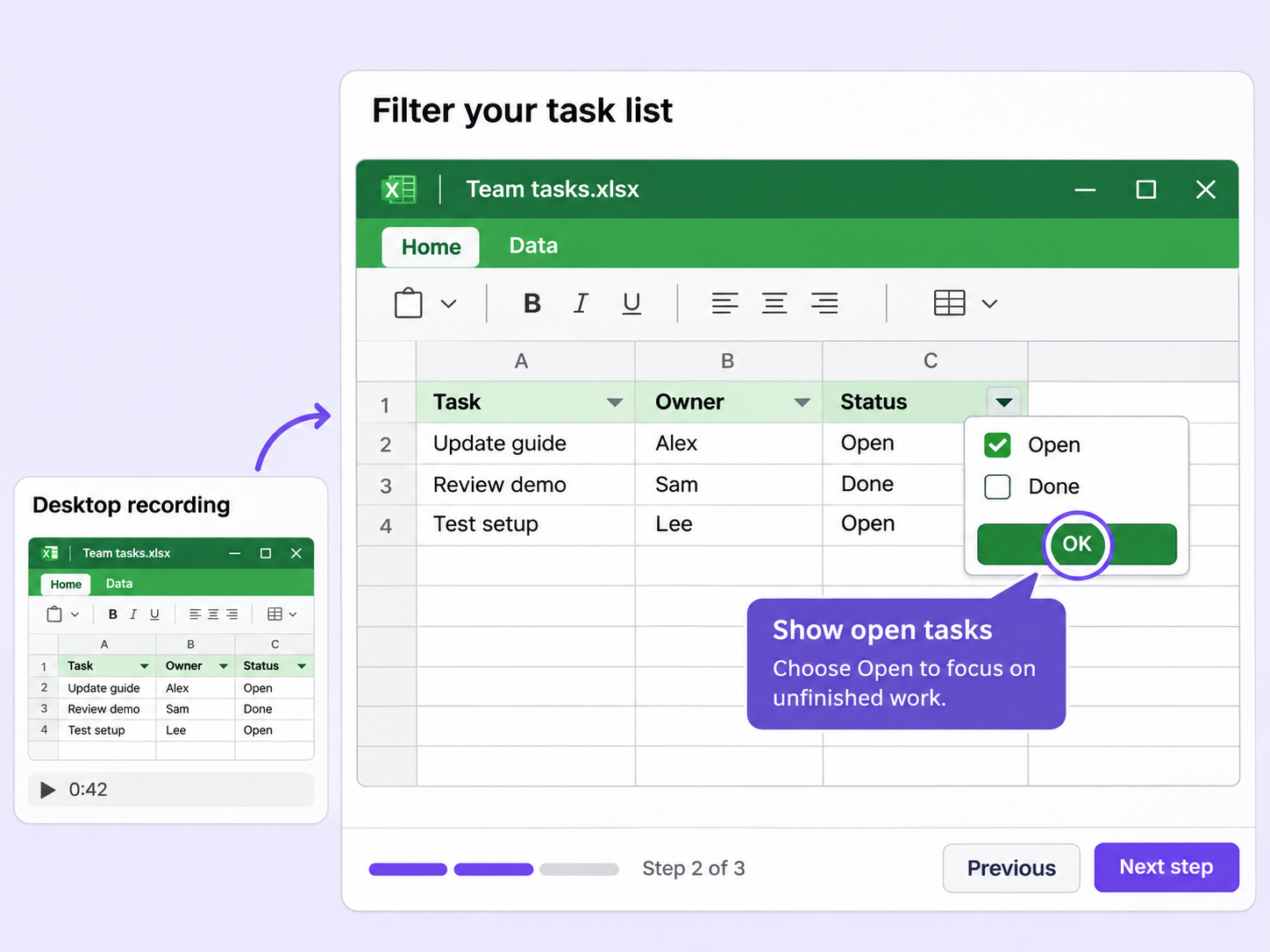
Plenty of the workflows worth showing happen outside a browser. Desktop app recording captures them, so desktop tools get the same treatment as web apps.
Entire screen recording captures desktop applications such as Slack, so whatever you do in the app becomes part of your Flo.
Pause the recording while you set up the next part of the flow, then continue without starting over.
Your recording is ready to edit within seconds, so you can start adding elements to the Flo right away.
Quick looks of how to do this in Floik app
A few situations where this feature saves the most time.
Record how to use a desktop tool such as Slack, and give new hires a walkthrough of the real application.
Record the flow for a newly rolled-out desktop application, so employees can see the real application in use.
Capture workflows from your browser or desktop applications with the Floik Chrome extension, or simply upload an MP4. Floik AI does the heavy lifting, taking you all the way to polished interactive guides, SOPs, feature walkthroughs, and professionally narrated videos.
You review. You validate. You refine. You stay in control.
Free plan available · No credit card required