Require viewers to sign in with a Google Workspace account before they open a private Interactive Demo, Step-by-Step Guide or Explainer Video.
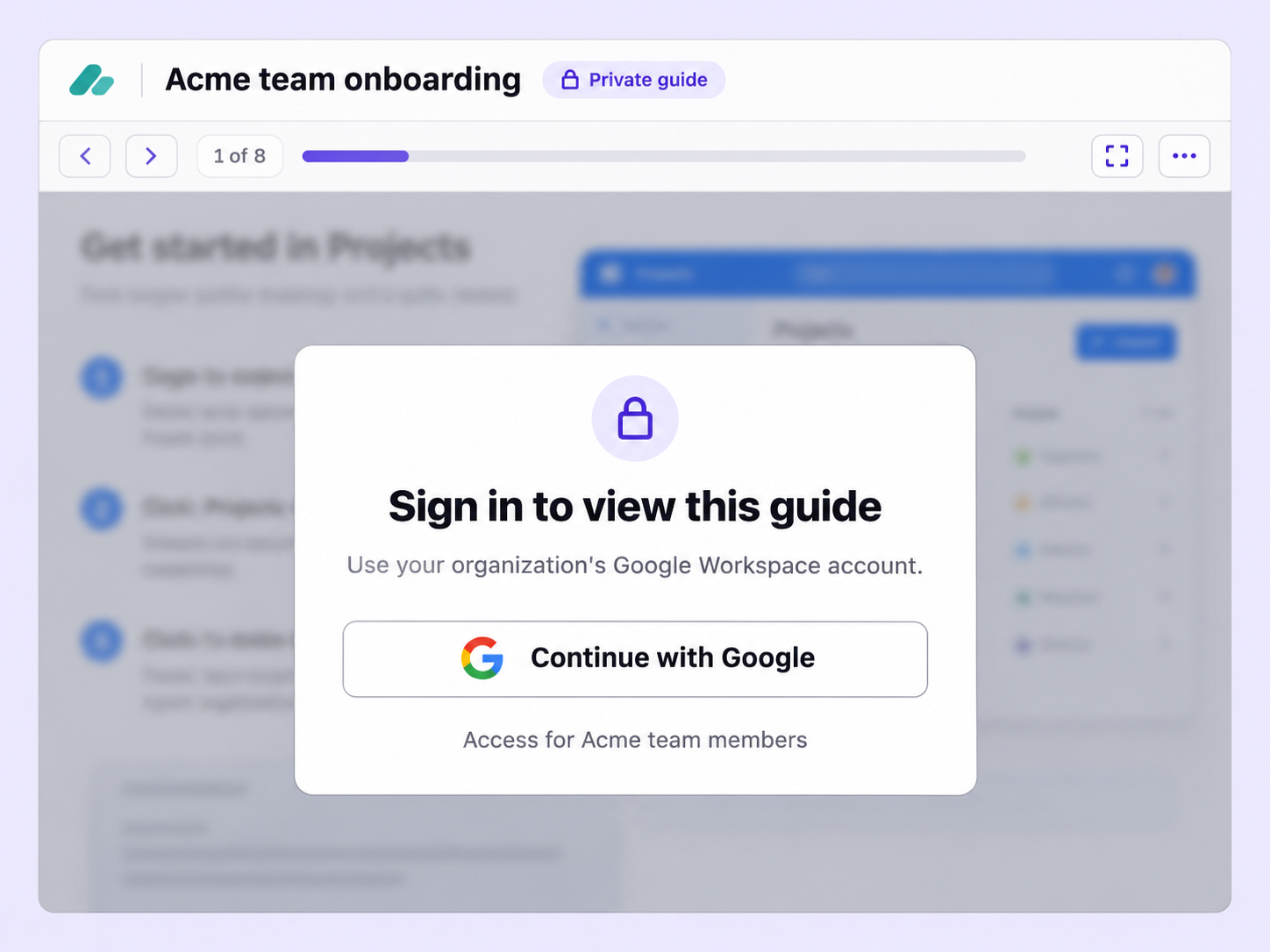
An email address alone is a thin check for a private Flo. Google Workspace SSO asks viewers to sign in with their organization's Google account.
Anyone opening a private Flo is asked to sign in with their organization's Google Workspace account before they can view it.
Sign-in runs on an OAuth client from your own Google Cloud project, using the Client ID and Client Secret you connect.
Google Workspace SSO is one of the access options for a private Flo, so you pick it for each Flo that needs it.
Quick looks of how to do this in Floik app
A few situations where this feature saves the most time.
A training team builds internal Flos for new hires. With Google Workspace SSO, only people who sign in with the company's Google Workspace account can watch.
A sales team shares internal product demos with its reps. With Google Workspace SSO, only people signed in to the company's Google Workspace can watch.
Capture workflows from your browser or desktop applications with the Floik Chrome extension, or simply upload an MP4. Floik AI does the heavy lifting, taking you all the way to polished interactive guides, SOPs, feature walkthroughs, and professionally narrated videos.
You review. You validate. You refine. You stay in control.
Free plan available · No credit card required