AI

AI Generate Introduction

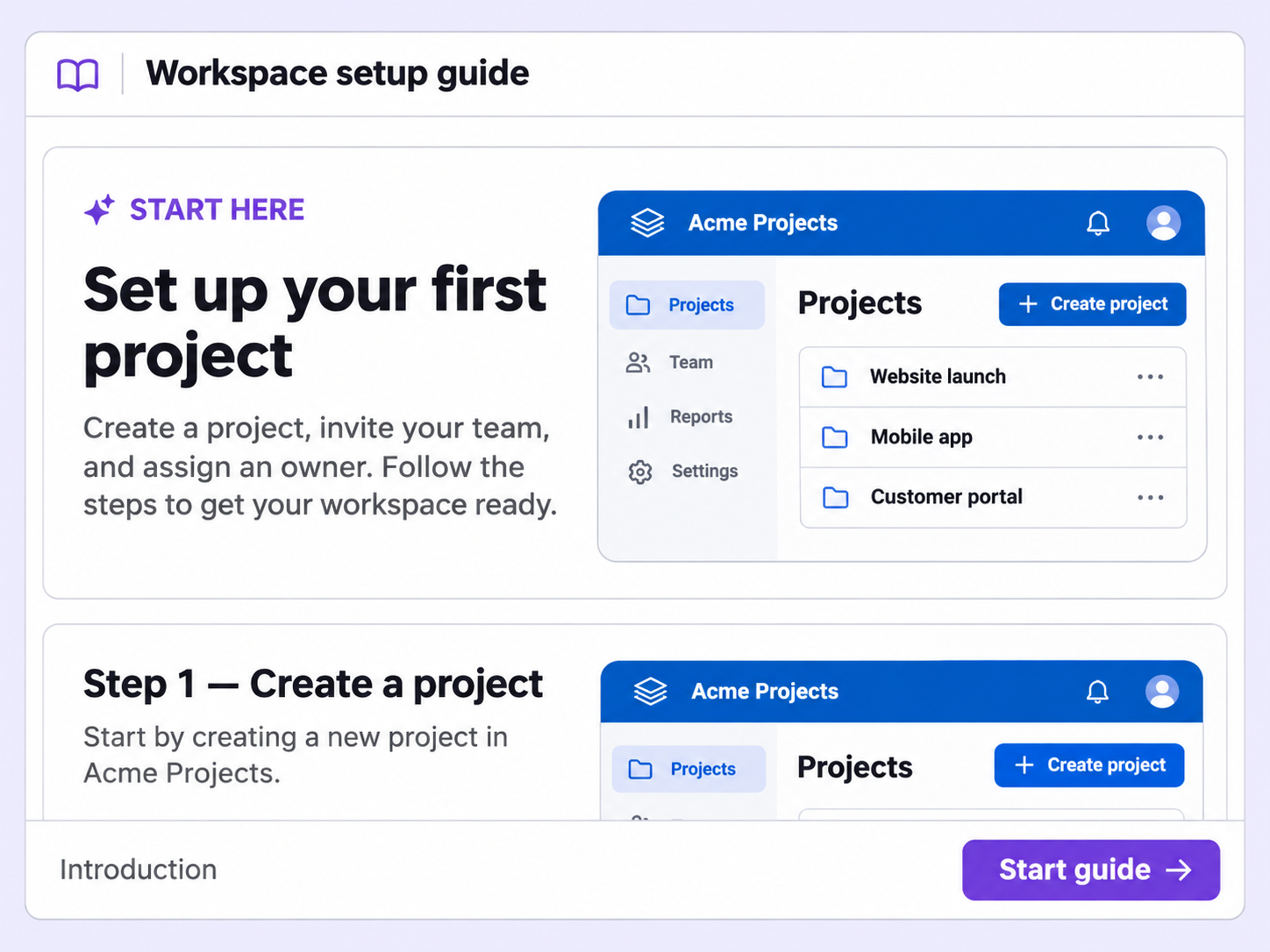
AI writes the opening of your Step-by-Step Guide, a title and description that set up what viewers are about to follow.
AI Generate Introduction
Floik AI

Skip the blank first step

A guide without an opening leaves viewers guessing what it covers. AI Generate Introduction writes that opening for you.

An opening written for you

AI writes the introduction as a title and description at the start of your guide, so you never begin from a blank step.

Regenerate as often as you like

If a version isn't right, generate the introduction again as many times as you want.

A visual to open with

The introduction step can carry an image or background, so your guide opens with a visual as well as text.

How can you do this in Floik

Quick looks of how to do this in Floik app

<floik-flo 
  id="floik-iframe-container-mw1rogu0"
  flo-id="69e7467237af4675ca899300"
  title="How to use AI to generate introduction and summary to guides"
  is-embed="true"
  hide-header="true"
  show-author="false"
  swift-play="false"
  auto-play="true"
  show-transcript="true"
  theme="none"
  wrapper="rounded"
  style="overflow: hidden;
		border-radius: 16px;
		position: relative;
		width: 100%;
		max-height: 100%;
		aspect-ratio: 1.943205;
		/* Note: Other height values
       Based on % of actual height of the Flo: 986 (100%),  887 (90%), 789 (80%), 493 (50%), 296 (30%)
       You can use any value for height and the width will automatically adjust to maintain the aspect ratio*/">
</floik-flo>

When teams use this

A few situations where this feature saves the most time.

Customer Onboarding

A customer success manager records an onboarding guide for new users. The introduction tells them what it covers, so they know what to expect.

Recording directly from production

A support team publishes a how-to guide in its help center. The introduction states what it covers, so customers know it's the right one.

FAQ Unpacked

Frequently asked questions

How do I check my blurs are applied correctly?

How do I remove Floik watermark and branding from my Flos?

What can I edit with this feature?

Can I create GIFs from my edited video?

Can I blur screenshots I upload myself?

Capture your workflow once.

AI does the heavy lifting. You stay in control.

Capture workflows from your browser or desktop applications with the Floik Chrome extension, or simply upload an MP4. Floik AI does the heavy lifting, taking you all the way to polished interactive guides, SOPs, feature walkthroughs, and professionally narrated videos.

You review. You validate. You refine. You stay in control.

Free plan available · No credit card required