{ "@context": "https://schema.org", "@graph": [ { "@type": "WebPage", "@id": "https://www.floik.com/features/trim-video-for-linkedin#webpage", "url": "https://www.floik.com/features/trim-video-for-linkedin", "name": "Trim video for LinkedIn", "description": "Trim Explainer Videos for LinkedIn with Floik. Remove unwanted sections from product announcements, feature previews, and customer testimonials.", "inLanguage": "en", "isPartOf": { "@id": "https://www.floik.com/#website" }, "about": { "@id": "https://www.floik.com/#software" }, "primaryImageOfPage": { "@id": "https://www.floik.com/features/trim-video-for-linkedin#primaryimage" } }, { "@type": "ImageObject", "@id": "https://www.floik.com/features/trim-video-for-linkedin#primaryimage", "contentUrl": "https://cdn.prod.website-files.com/646decbb1ee966061c86eaf1/6ae2c9d87058b8d5a2bc13ef_6ae2c94a38db2cc45045a6af_floik-feature-trim-video-for-linkedin-hero.avif" } ] }
Edit

Trim video for LinkedIn

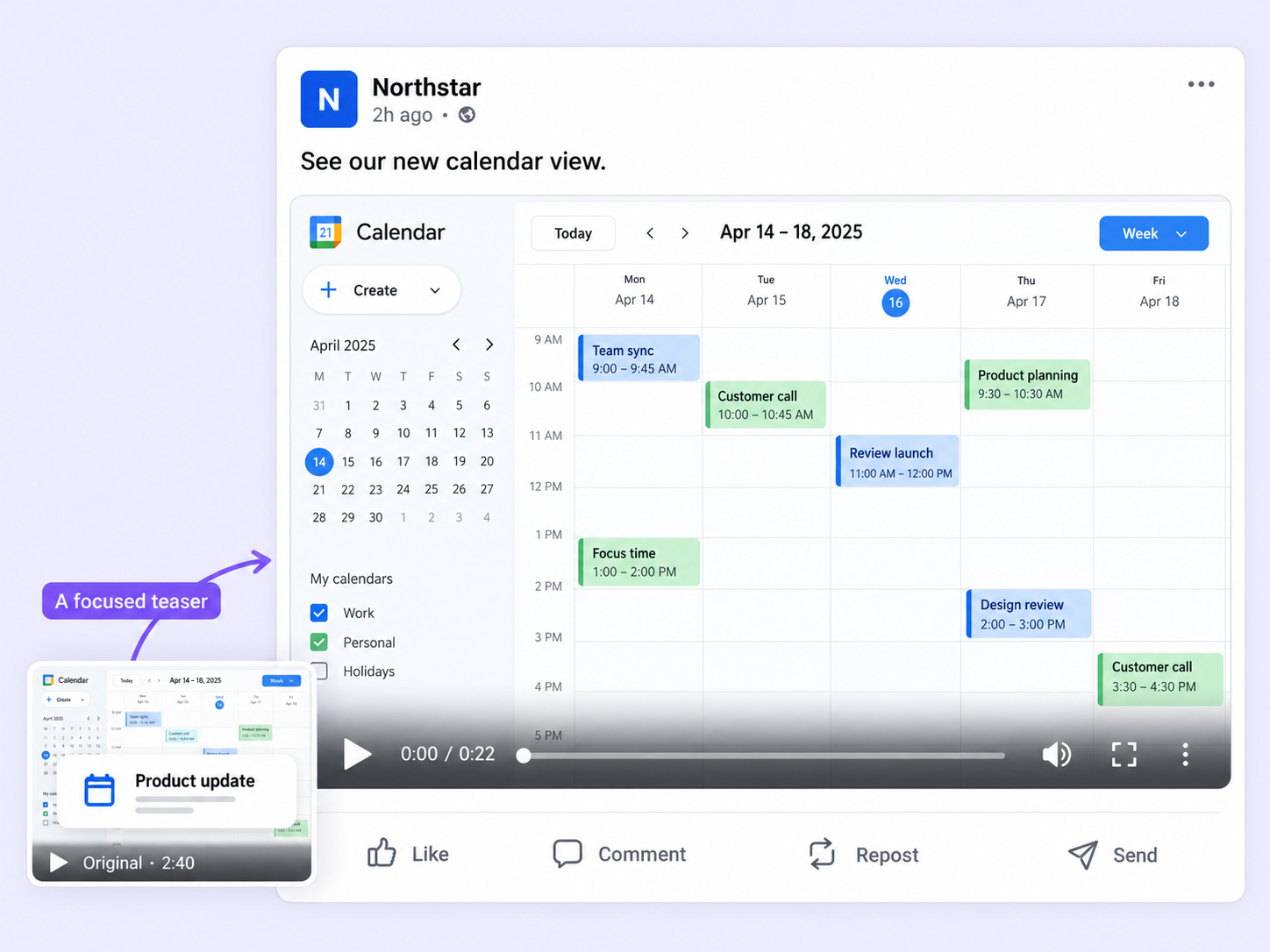
Trim your Explainer Videos to the moments that matter, so announcements and feature teasers hold attention in the LinkedIn feed.
Trim video for LinkedIn
Edit

Short, sharp, and professional

A long video with slow stretches loses a busy LinkedIn audience. Trim video for LinkedIn cuts it down to the message.

Focus on the key message

Use the sliders to choose the start and end points, so every second adds value for your network.

Preview before you apply

Preview the trimmed video to check that it still communicates your message, then apply the changes.

Announcements, teasers, testimonials

Polish product announcements, new feature teasers, and customer testimonials by cutting everything that isn't the point.

How can you do this in Floik

Quick looks of how to do this in Floik app

When teams use this

A few situations where this feature saves the most time.

Sales Enablement

Trim a customer testimonial down to its strongest moments before you share it with prospects.

Recording directly from production

Cut a feature teaser down to the moment that shows the new capability, then share it with your followers.

FAQ Unpacked

Frequently asked questions

What happens if I edit Flos that are already embedded?

What can I blur using this feature?

What is the highlight element?

Capture your workflow once.

AI does the heavy lifting. You stay in control.

Capture workflows from your browser or desktop applications with the Floik Chrome extension, or simply upload an MP4. Floik AI does the heavy lifting, taking you all the way to polished interactive guides, SOPs, feature walkthroughs, and professionally narrated videos.

You review. You validate. You refine. You stay in control.

Free plan available · No credit card required


