Call out tips, warnings and updates on any step of your Step-by-Step Guide with a card placed on the step image.
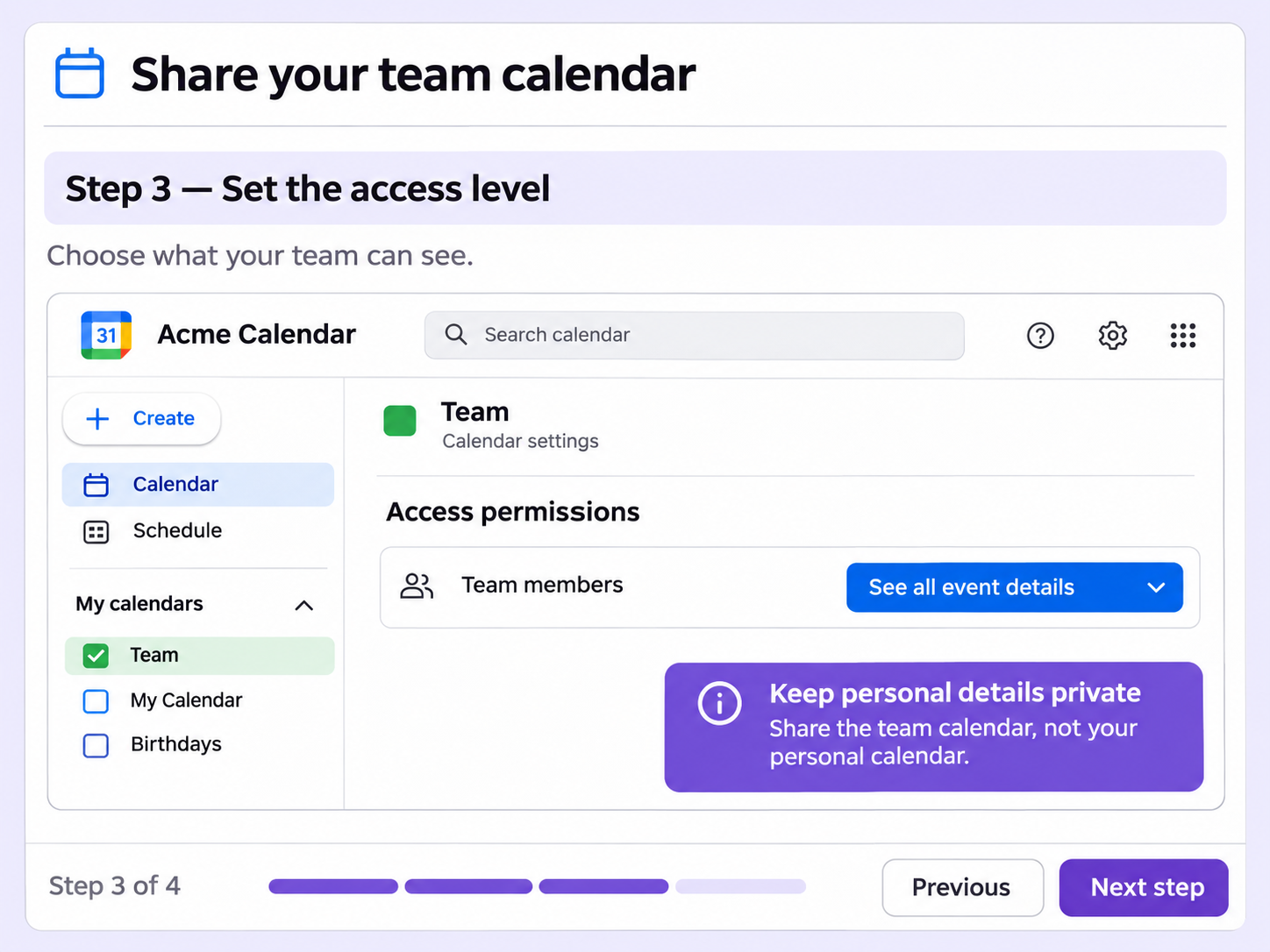
Some details don't fit in a step description, like a shortcut or a warning. Annotations put them on a card on the step image.
Quick Note, Key Insight, Announcement and Alert each show as a card with an icon, a title and a description.
Customize the title, description and placement of each card within the step image, so it sits where you want it.
An annotation carries what a step description doesn't, such as a caveat, a shortcut or a warning about an action that can't be undone.
Quick looks of how to do this in Floik app
A few situations where this feature saves the most time.
A support team publishes a guide for a setup step customers often get wrong. An Alert on that step shows the warning before the mistake.
A training team documents a procedure and adds a Key Insight where a shortcut saves time, so learners see it as they follow the guide.
Capture workflows from your browser or desktop applications with the Floik Chrome extension, or simply upload an MP4. Floik AI does the heavy lifting, taking you all the way to polished interactive guides, SOPs, feature walkthroughs, and professionally narrated videos.
You review. You validate. You refine. You stay in control.
Free plan available · No credit card required