Celebrate July 4th with a 10% Independence Day discount! Use coupon code — JULY4QC2024! 🤩
-p-130x130q80.avif)
In step-by-step guides, you can now scan a step, or all steps at once, and Floik auto-detects and blur anything sensitive. Detection covers emails, phone numbers, dates, IP addresses, credit card and bank account numbers, passport numbers, and national ID and tax numbers across multiple regions.
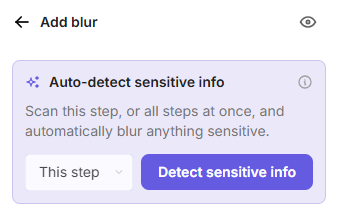
Perfect for Flos recorded against real customer data.
.avif)
.svg)


