Give your Step-by-Step Guide a moving background behind the steps, with five animated styles to choose from.
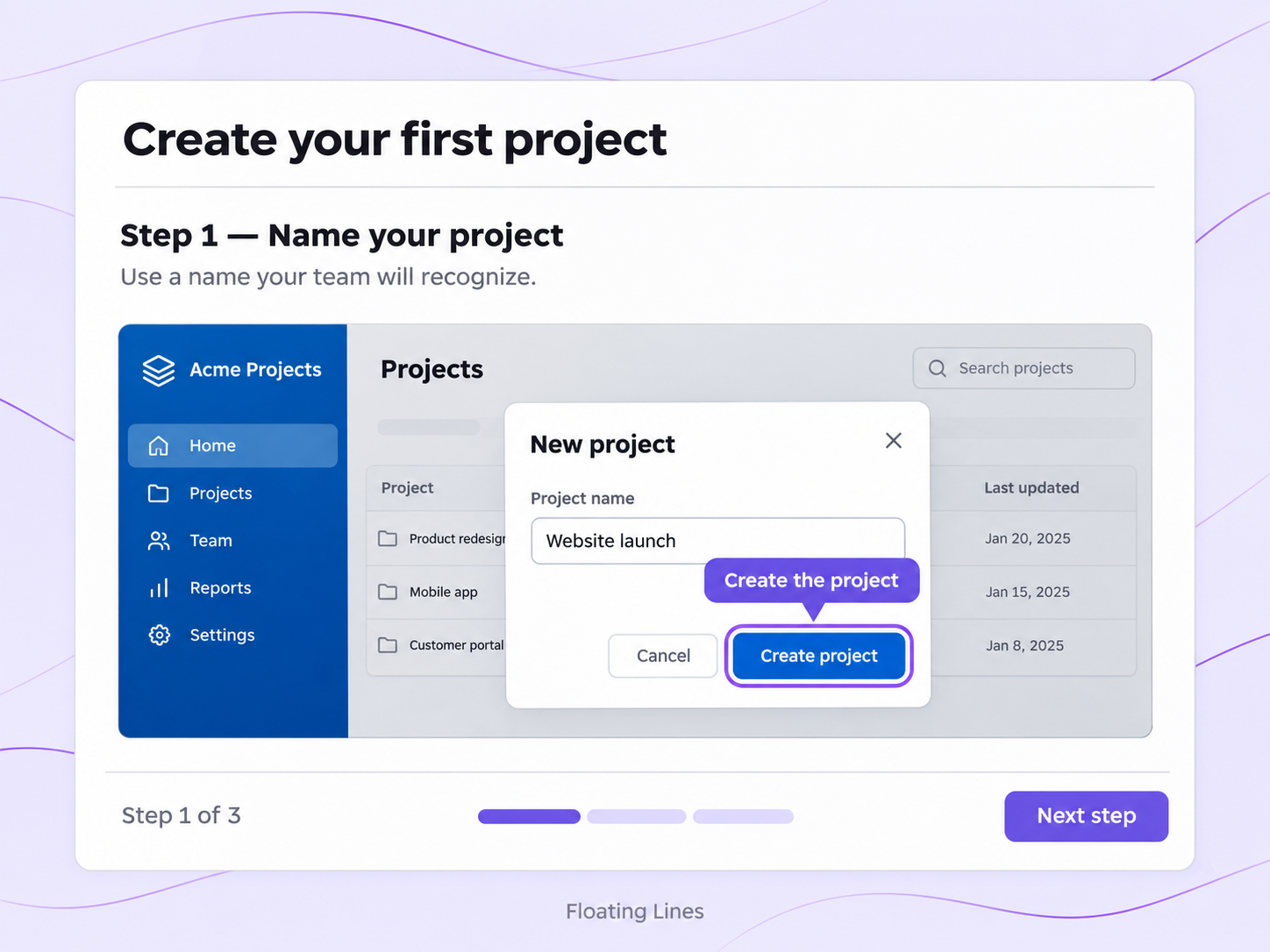
A still backdrop does the job, but it stays flat. Animated Backgrounds put motion behind your guide as soon as viewers open it.
Floating Lines, Grain Effect, Liquid Chrome, Gradient and Light Pillar each give the guide a different style of motion behind the steps.
A live preview updates as you pick a theme, so you see how the guide looks before you save.
Each guide you share can carry its own animated background, so guides for different audiences can look different.
Quick looks of how to do this in Floik app
A few situations where this feature saves the most time.
A team publishes its help-center guides with an animated background that fits its brand, so every guide looks consistent.
A customer success team sends onboarding guides to new customers with an animated background, so the guides feel polished from the first screen.
Capture workflows from your browser or desktop applications with the Floik Chrome extension, or simply upload an MP4. Floik AI does the heavy lifting, taking you all the way to polished interactive guides, SOPs, feature walkthroughs, and professionally narrated videos.
You review. You validate. You refine. You stay in control.
Free plan available · No credit card required