Sync every spoken word with the text in your Step-by-Step Guide, so readers see exactly where the AI narration is.
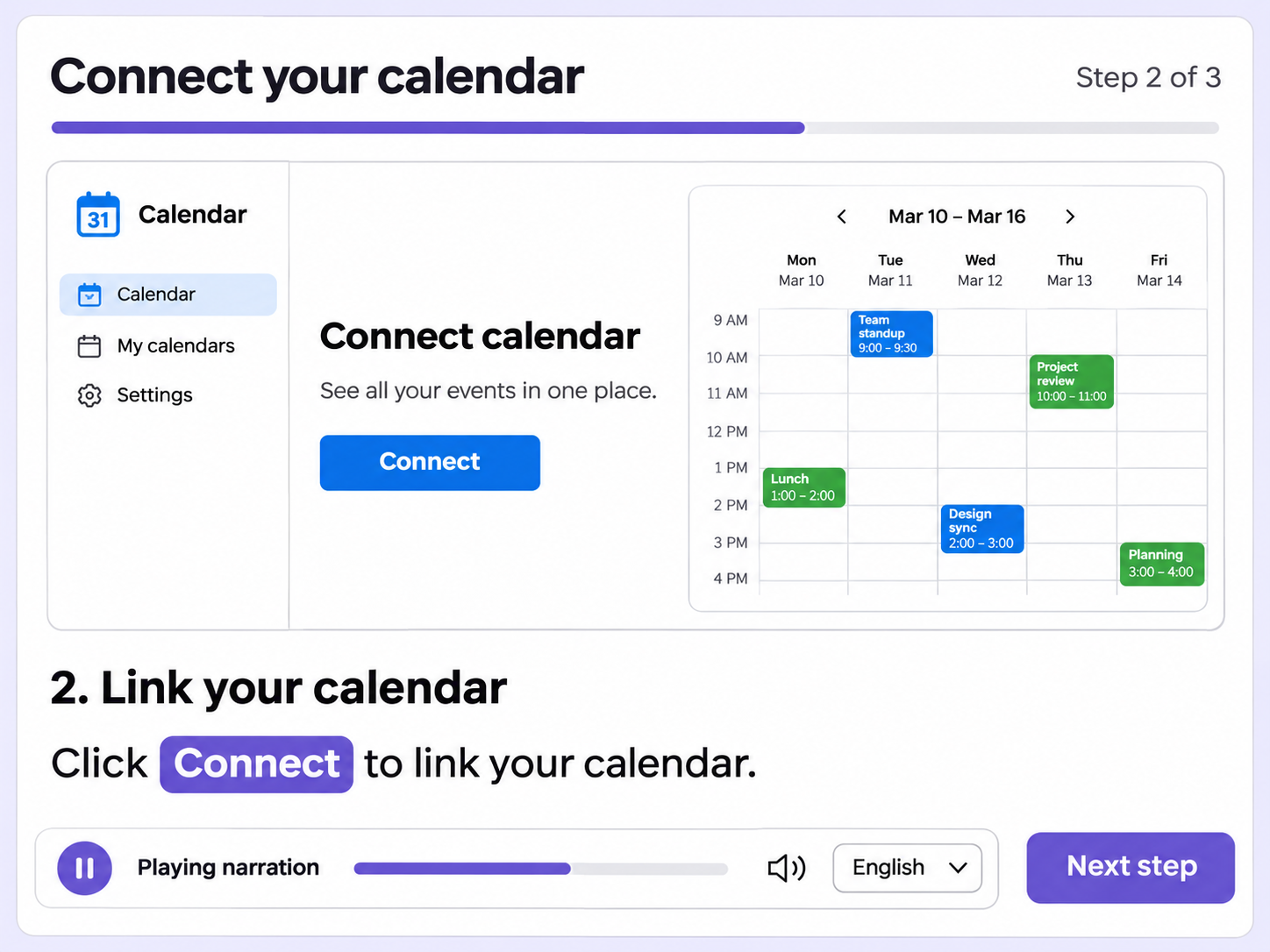
Narration is easy to lose track of when your eyes leave the screen. Word Highlighting in Narration marks each word as it is spoken.
As the AI voice speaks, the matching word is highlighted in the step text, so the text and the audio stay together.
Word highlighting works across all supported narration languages, so it follows whichever language a viewer listens in.
A single toggle in the Narration panel controls word highlighting for the guide, so you can turn it on or off when you edit.
Quick looks of how to do this in Floik app
A few situations where this feature saves the most time.
A new customer follows a long setup guide with the narration playing. After looking away to the product, the highlight shows where to pick up.
A training team publishes a narrated guide for an internal tool. Learners switch between the guide and the tool, and the highlight marks the narration.
Capture workflows from your browser or desktop applications with the Floik Chrome extension, or simply upload an MP4. Floik AI does the heavy lifting, taking you all the way to polished interactive guides, SOPs, feature walkthroughs, and professionally narrated videos.
You review. You validate. You refine. You stay in control.
Free plan available · No credit card required