Celebrate July 4th with a 10% Independence Day discount! Use coupon code — JULY4QC2024! 🤩
-p-130x130q80.avif)
You can now extend any Flo with additional recording, without starting over from scratch.
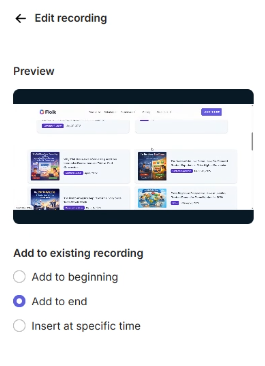
Once inserted, the new recording merges with your existing Flo into one continuous piece — edit it just like you would any other Flo.
No more rebuilding a Flo from scratch just to add one more step.
For more information, refer to the help article: How to add new recording to an existing Flo
.avif)
.svg)


