
Swift Play turns an Interactive Demo into a screenshot walkthrough with hotspots, so viewers move at their own pace without watching the recording.
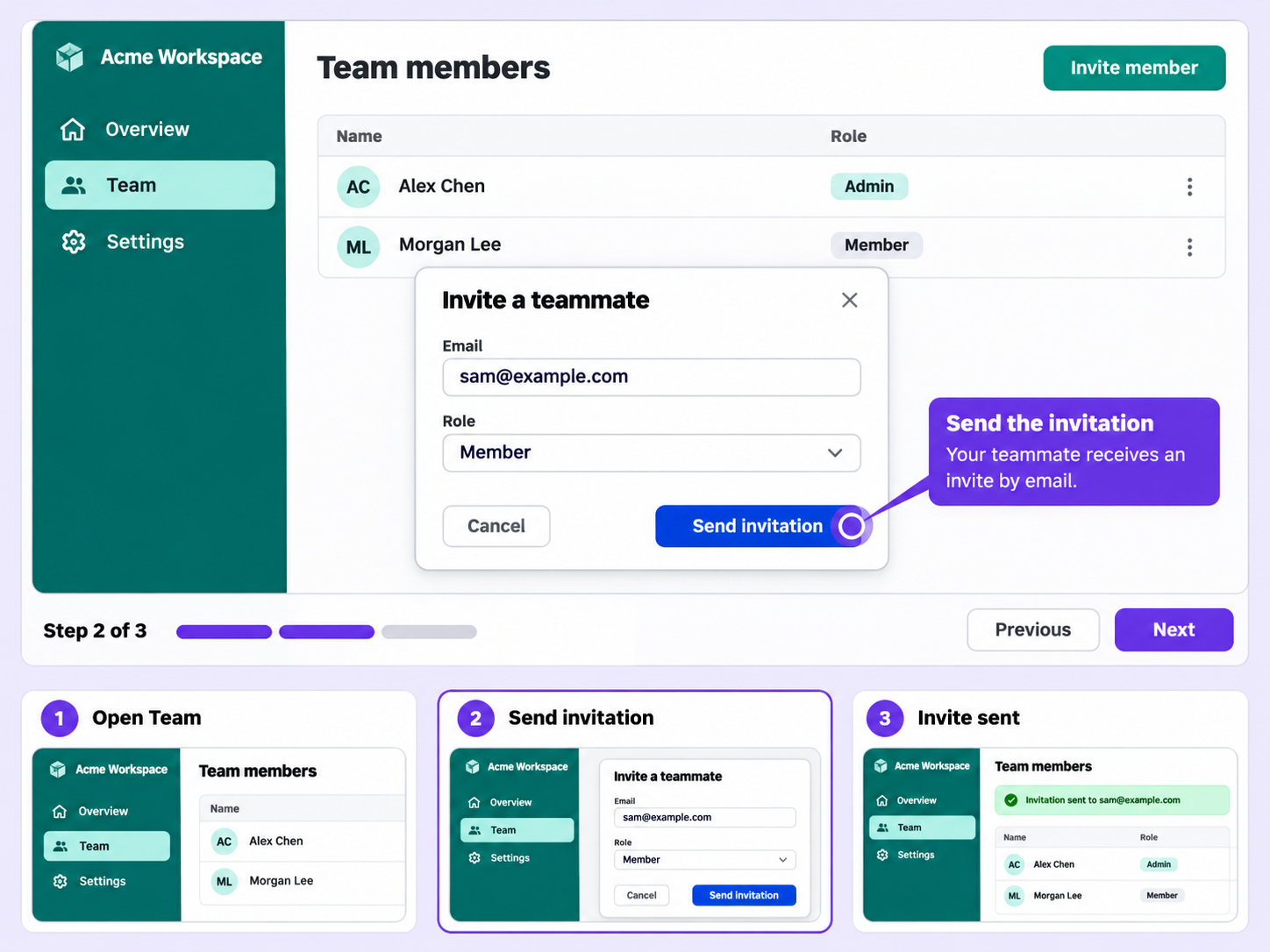
Footage takes time to watch, and viewers following along need the actions. Swift Play shows the screenshots and hotspots without playing the video.
Swift Play presents your Interactive Demo as a step-by-step sequence of screenshots with interactive hotspots. The original video does not play.
Without the video, the demo moves at the viewer's pace and takes less time, which suits end users who want to get started quickly.
After you apply Swift Play, open the end-user view to see the demo as your viewers will, then copy the shareable link.
Quick looks of how to do this in Floik app
A few situations where this feature saves the most time.
Send new customers a Swift Play link so they can follow the setup steps at their own pace without watching a recording.
Share Swift Play links in your academy for learners who are short on time and want the key actions without the video.
Capture workflows from your browser or desktop applications with the Floik Chrome extension, or simply upload an MP4. Floik AI does the heavy lifting, taking you all the way to polished interactive guides, SOPs, feature walkthroughs, and professionally narrated videos.
You review. You validate. You refine. You stay in control.
Free plan available · No credit card required